Passkeys
Passkeys add phishing-resistant authentication to Headlockr. In Headlockr 5, passkeys can be used in two ways:
- Web passkeys for browser-native login on the current device
- Magic login for companion-based flows
Configuration
Add the passkey configuration to your Headlockr plugin config:
passkeys: {
  rpId: env("HEADLOCKR_PASSKEY_RP_ID", "localhost"),
  rpName: env("HEADLOCKR_PASSKEY_RP_NAME", "Headlockr"),
  origins: env(
    "HEADLOCKR_PASSKEY_ORIGINS",
    "http://localhost:1337,http://127.0.0.1:1337",
  )
    .split(",")
    .map((origin) => origin.trim())
    .filter(Boolean),
  magicLogin: {
    enabled: env.bool("HEADLOCKR_PASSKEY_MAGIC_LOGIN_ENABLED", false),
  },
  webLogin: {
    enabled: env.bool("HEADLOCKR_PASSKEY_WEB_LOGIN_ENABLED", false),
  },
}
Required values
HEADLOCKR_PASSKEY_RP_IDshould match the domain users authenticate againstHEADLOCKR_PASSKEY_ORIGINSshould contain every allowed origin as a comma-separated listHEADLOCKR_PASSKEY_RP_NAMEis optional but recommended for a better user-facing label
Trusted devices
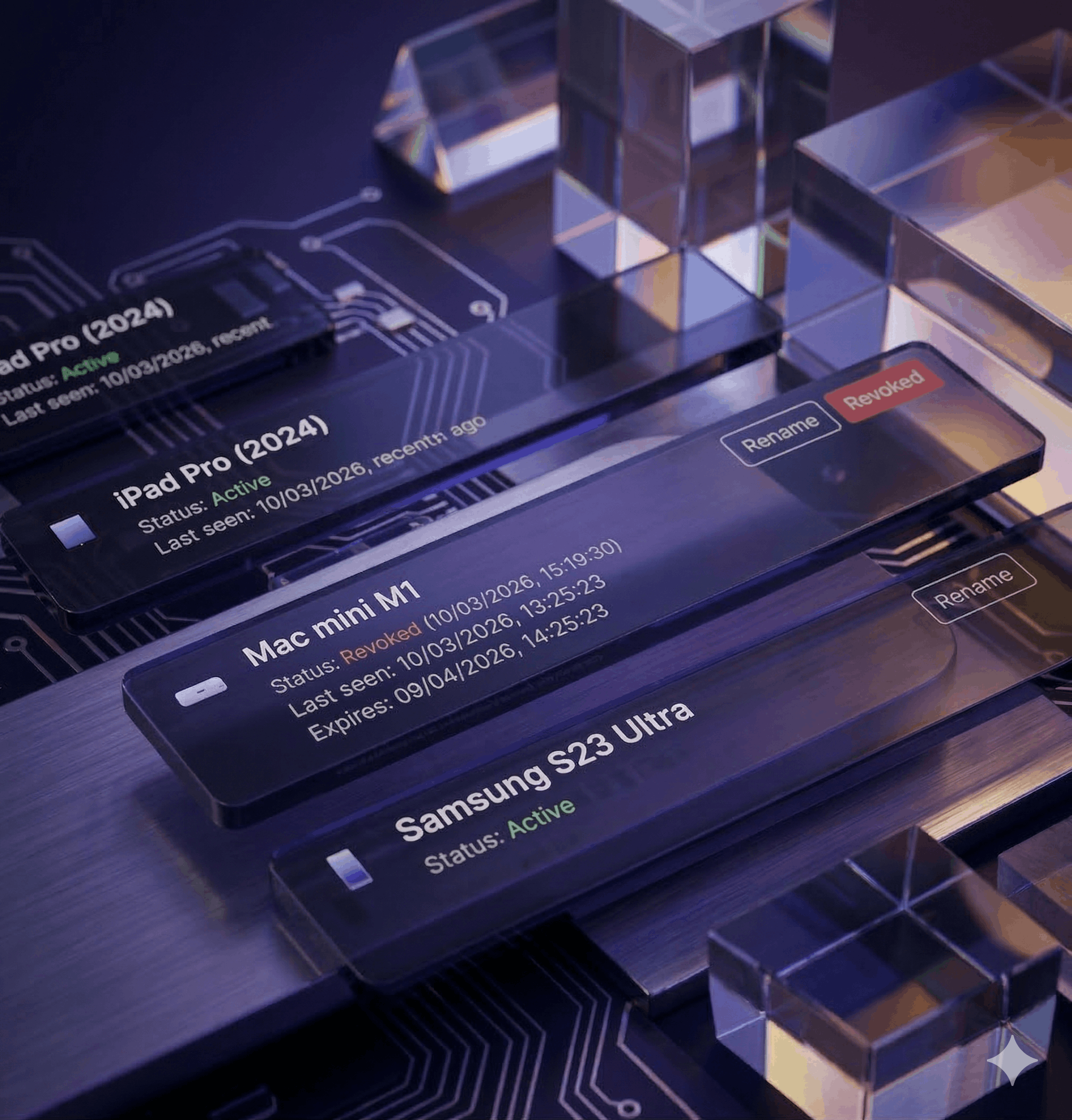
Passkeys often work well together with trusted devices. Trusted devices let users reduce repeat MFA prompts on known devices after a successful login.
admin: {
  trustedDevice: {
    enabled: env.bool("HEADLOCKR_TRUSTED_DEVICE_ENABLED", true),
    ttlMs: env.int("HEADLOCKR_TRUSTED_DEVICE_TTL_MS", 24 * 60 * 60 * 1000),
    cookieName: env(
      "HEADLOCKR_TRUSTED_DEVICE_COOKIE_NAME",
      "headlockr_trusted_device",
    ),
    secret: env("HEADLOCKR_TRUSTED_DEVICE_SECRET", env("MFA_SECRET")),
    requireRememberMe: env.bool(
      "HEADLOCKR_TRUSTED_DEVICE_REQUIRE_REMEMBER_ME",
      true,
    ),
  },
}
Notes
- Browser passkeys require
webLogin.enabled - Companion-based magic login requires
magicLogin.enabled - Passkey availability can still depend on your active license
rpIdandoriginsmust match your deployed environment exactly